
Wi-Fi Garage Door Openers: What Is Worth Paying For in Massachusetts?
A Wi-Fi garage door opener lets you check the door from your phone, get an alert when it is left open, and close it remotely. But not every smart feature is worth paying for. This guide explains what matters in Massachusetts — and when an add-on beats a new opener.
A Wi-Fi garage door opener is worth it if you want to check the door from your phone, get an alert when it is left open, or close it from anywhere. Worth paying for: open alerts and a battery backup — not a camera. If your opener works well, a smart add-on usually beats a new opener.
What a Wi-Fi opener does
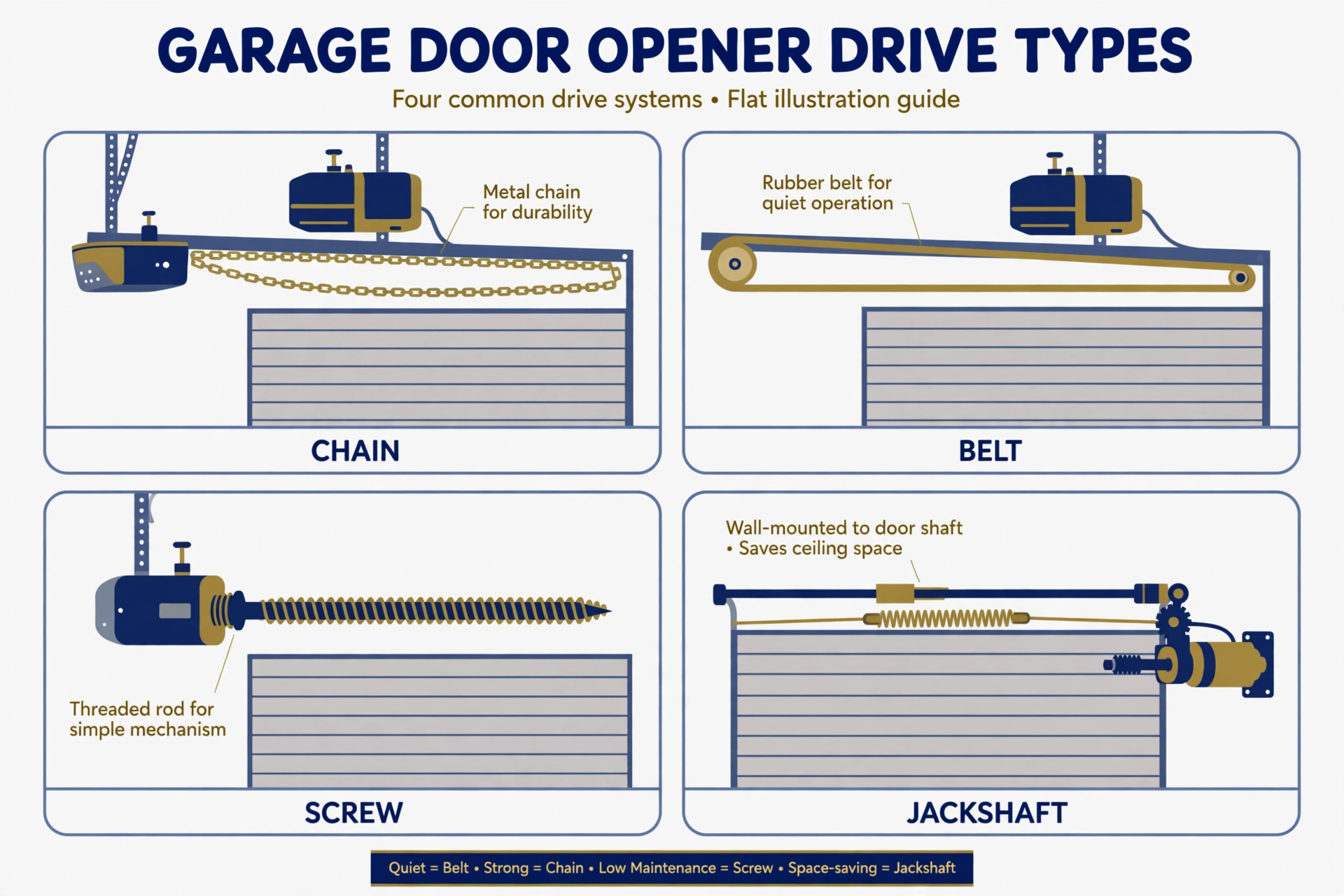
A Wi-Fi garage door opener is an ordinary opener with a radio added: it joins your home Wi-Fi network, and a phone app talks to it through that network. From the app you can check whether the door is open or closed, open or close it from anywhere, and get an alert when the door is left open or opens unexpectedly. Some setups also let you give a family member or a delivery driver their own access, and take it away again, without handing over a remote or a keypad code. What it does not do is change how the door moves. The spring still carries the weight, the tracks still guide the door, and the opener's motor still does the lifting. The phone control is a layer on top of the opener — and if the opener itself is failing, no amount of Wi-Fi will fix it. Our garage door opener types guide explains chain, belt, and screw-drive openers in plain language, and which type suits which garage.
The alert is the feature most people end up using. A door left open overnight is the single most common way a garage is entered without permission, and an alert on your phone turns that into a two-second check. The remote close is the second: the door you forgot on the way to work, closed from the office. Both work only as well as the Wi-Fi in the garage — a weak signal means the app cannot reach the opener, and the alert arrives late or not at all.
What is worth paying for in a Wi-Fi garage door opener?
Three features are worth paying for, and they are the same three that matter on any opener. First, the open alert: a message when the door has been open for longer than you set, or when it opens at a time nobody should be opening it.
Second, a battery backup: an opener that still works during a power cut, so the car is never trapped and the door is never stuck open. Third, working safety sensors fitted and checked on the same visit — no smart feature replaces the photo-eye sensors that stop the door closing on a person or a car. Our garage door opener installation service covers the fitting, the setup, and the safety-sensor check together, so the smart part is never fitted onto a door whose safety parts are failing.
A timer that closes the door if it is left open is worth having too, if it can be set long enough to be useful — an hour, not five minutes. A door that closes on a timer while you are still unloading the car is a nuisance, and a timer set too short will be switched off within a week. The point of a smart opener is that it tells you the door is open and lets you close it yourself — not that it decides for you.
What is a gimmick in a Wi-Fi garage door opener?
Two features are usually not worth paying extra for. The first is a camera in the opener: a garage is a dark, dusty place, and a camera there gives you a poor picture of a door you can already check from the app.
A camera at the front door, or a sensor on the garage door itself, tells you more. The second is voice control: opening a garage door by voice from outside the house is a security risk, and opening it by voice from inside the house saves you the walk to the wall button. Neither is a reason to buy a more expensive opener. What matters is the alert, the battery backup, and the sensors — and those are the cheapest parts of the job.
When does a smart add-on beat a new opener?
If your opener is under ten years old, runs smoothly, and has working safety sensors, a smart add-on is usually the better buy. The add-on is a small unit that connects to the opener you already have, and it adds phone control and alerts without replacing a motor that still has years left.
It is the right call when the opener is sound and only the control is missing. If the opener hums without moving the door, reverses for no reason, grinds, or has dead sensors, the opener itself is failing — and a new opener with built-in Wi-Fi is the better spend, because the add-on cannot fix a failing motor or a dead sensor. Our garage door opener repair service covers the gear, the drive, and the safety sensors together, and the visit will tell you straight whether the opener is worth saving.
One more check before you buy either: the Wi-Fi signal in the garage. Stand in the garage with your phone and check the signal — if it is weak or drops out, the smart opener will too. A range extender is the fix, and it is cheaper than a better opener. If the signal is strong, the add-on will work. If it is not, fix the Wi-Fi first and buy the opener second.
Opener works fine but you want phone control? A smart add-on usually beats a new opener — call and ask.
Call Now to Speak to a SpecialistWhen should I call about a Wi-Fi opener — installation, setup, and the safety check?
Call us if you want a smart add-on fitted, if you want a new opener with built-in Wi-Fi, or if your smart opener has stopped connecting and the wall button does not work either.
A visit covers the fitting, the pairing to your Wi-Fi, and the safety-sensor check — and the remotes, keypads, and car built-in buttons are paired before we leave, where the opener supports them. Call too if the opener hums but does not move, reverses for no reason, or the door feels very heavy: those are broken parts, not Wi-Fi problems — leave it closed and call (833) 563-1552. Our garage door safety sensors guide explains what the sensors do and how to check them, and our garage door tune-up service covers the full annual check — lubrication, hardware, balance, and safety sensors — in one visit.
Start from our Bay State Garage Door Repair Pros homepage for every city we serve, and for Lowell detail see our garage door repair Lowell MA page.
A Wi-Fi garage door opener: the parts involved
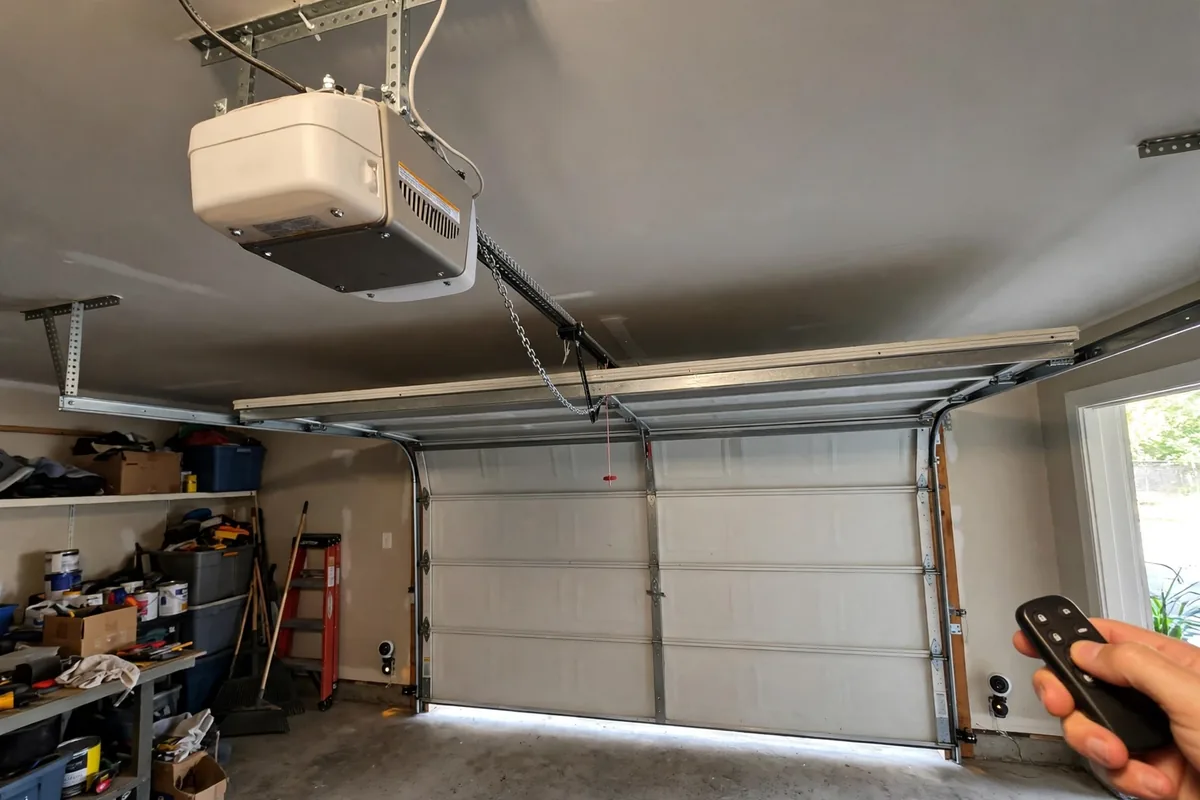
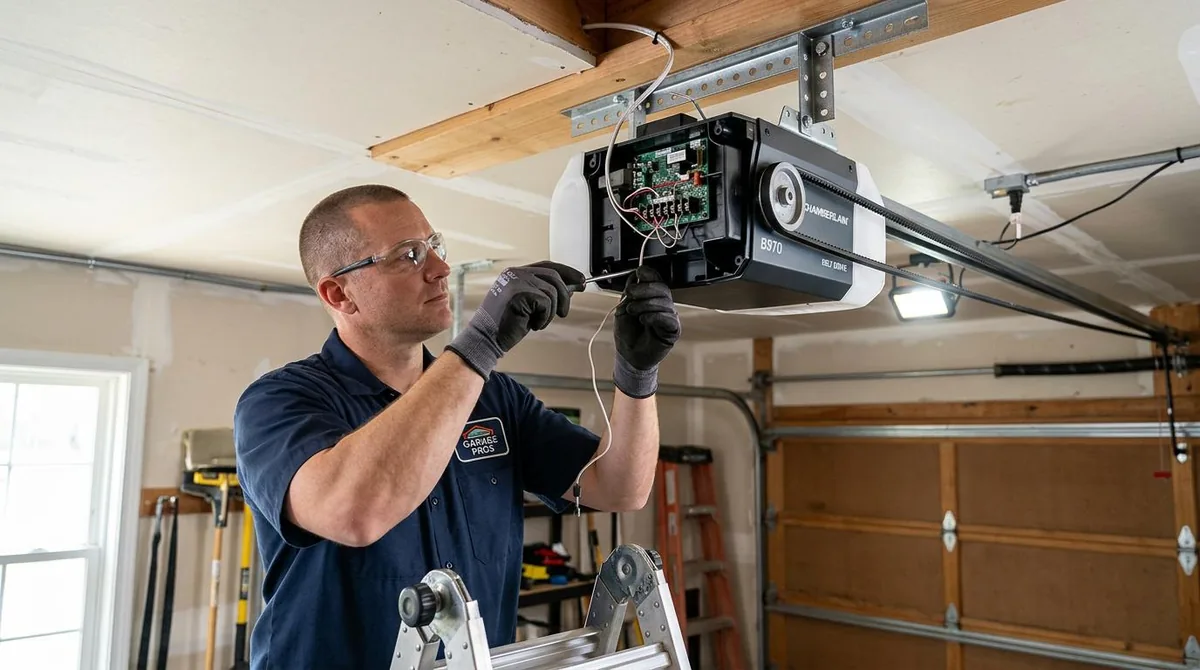
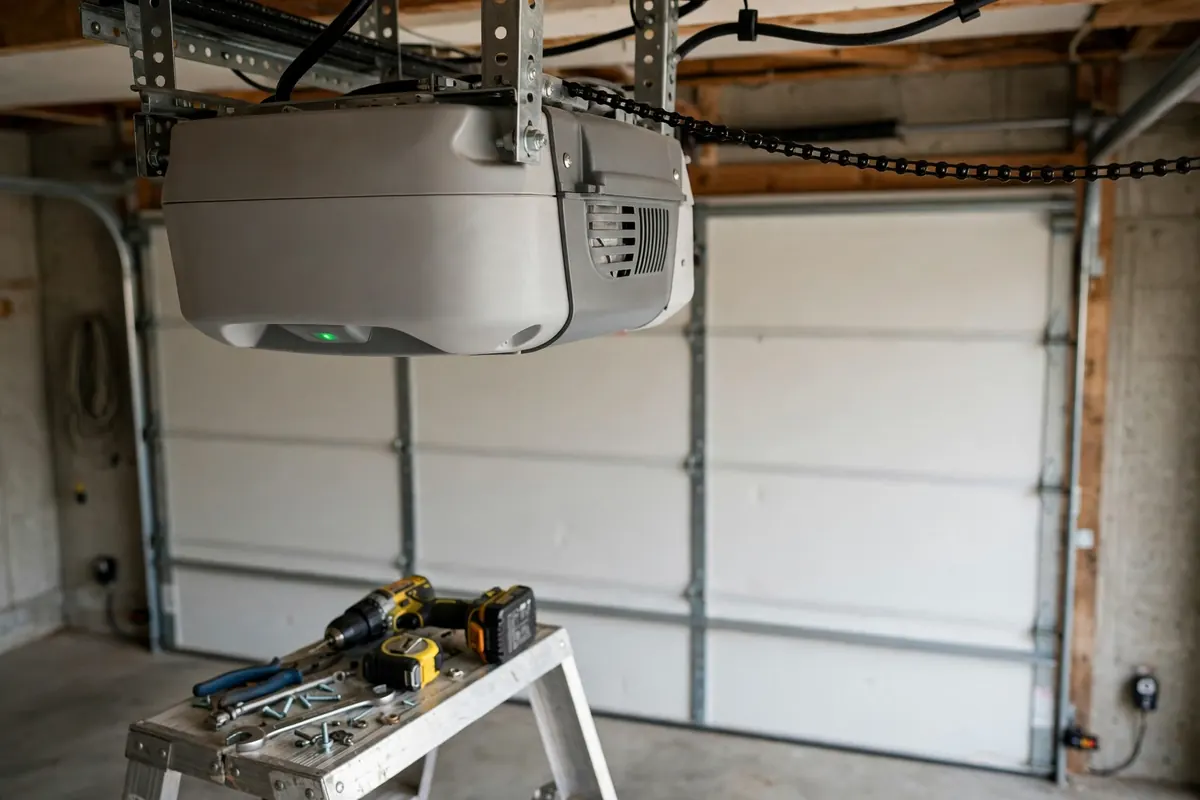
These images show the parts involved when a Wi-Fi opener is fitted — the opener motor, the opener types, the technician's work, and the opener repair.
Opener works fine but you want phone control? A smart add-on usually beats a new opener — call and ask.
Call Now to Speak to a SpecialistFor local help, start from our Bay State Garage Door Repair Pros homepage, and read our garage door opener types guide for chain, belt, and screw-drive openers.
Frequently asked questions about Wi-Fi garage door openers
What does a Wi-Fi garage door opener do?
A Wi-Fi opener connects your garage door to your home Wi-Fi, so you can check whether the door is open or closed from your phone, open or close it from anywhere, and get an alert when it is left open or opens unexpectedly. It does not change how the door moves — the spring, the tracks, and the opener's motor do the same work. The phone control is an extra layer on top of the opener you already have.
Is a Wi-Fi garage door opener worth paying for?
It is worth it if you leave the house and wonder whether the door closed, if more than one person uses the garage, or if you want to let someone in without handing over a key or a code. It is not worth it if you only open the door from the driveway and never think about it again. The open alert is the feature that earns its keep — the rest is convenience.
Should I buy a smart add-on or a new opener?
If your opener is under ten years old, runs smoothly, and has working safety sensors, a smart add-on is usually the better buy: it adds phone control to an opener that still has years left. If the opener hums without moving the door, reverses for no reason, or has dead sensors, the opener itself is failing — and a new opener with built-in Wi-Fi is the better spend.
What should I check before buying a Wi-Fi opener?
Check three things first: Wi-Fi signal in the garage, because a weak signal makes the opener drop off the network; the opener's age and condition, because a smart add-on cannot fix a failing motor; and whether the safety sensors work, because no smart feature replaces them. If the Wi-Fi does not reach the garage, a range extender is the fix — not a better opener.
What if my smart opener stops connecting to Wi-Fi?
A smart opener usually stops connecting after a router swap or a password change — the pairing breaks, and the opener has to be re-paired to the new network. Try a fresh battery in the remote first, then check the wall button: if the wall button works, the opener is fine and the problem is the connection. If the opener will not respond to anything, or the sensors are dead, call us.
About the author
Jude Bray is the lead technician at Bay State Garage Door Repair Pros, with 26 years in the trade. The business holds Massachusetts Home Improvement Contractor (HIC) Registration and Construction Supervisor License (CSL) credentials, plus IDEA garage door certifications.
Call Bay State Garage Door Repair Pros at (833) 563-1552, 24 hours a day, 7 days a week. Ask whether a smart add-on or a new opener suits your door.
Call Now to Speak to a SpecialistLast updated: November 28, 2026. Author: Jude Bray, Bay State Garage Door Repair Pros. Business address: 98-2 Ames Pl, Lowell, MA 01851. Phone: (833) 563-1552. Email: [email protected]. No prices are quoted here — your exact price is confirmed in writing on site. Photos and illustrations on this page do not show real Bay State jobs or staff.