
Garage Door Remote Not Working After a Power Outage in Lynn, MA
Your garage door remote stopped working after a power outage in Lynn, MA? Start with a fresh battery, then the wall-button test: if the wall button works, the fault is the remote, not the opener. Call (833) 563-1552 — in ZIP codes 01901, 01902, 01904, and 01905.
A garage door remote not working after power outage Lynn MA is usually a dead battery, a wall control left in lock mode, or a remote that lost its pairing when the power went out. Try a fresh battery first, then the wall button: if the button opens the door, the opener is fine and the remote is the problem.
Should I try a fresh battery first for a dead remote?
A remote that worked yesterday and does nothing after a power cut is most often a remote with a dead battery — and the outage is a coincidence, not the cause. Batteries die without warning, and a remote that has been getting weaker for weeks finally stops on the day the power goes out.
Open the battery cover on the back of the remote and read the battery type printed inside it, then fit a fresh battery of the same type. Test the remote standing close to the door: if it works at close range but not from the car, the battery was weak, and the fresh one fixed it. If a new battery changes nothing, the fault is elsewhere, and the next test costs nothing.
A replacement remote is not expensive when the old one is done: universal remotes are reported at $20 to $40 part-only, and keypads at $20 to $55 part-only, by the opener-repair guides. No Bay State price is published here — your exact price is confirmed in writing on site before any work starts. Our garage door opener types guide explains chain, belt, screw, and jackshaft drives, and which remotes and keypads pair with each one.
The wall-button test: remote or opener?
Press the wall button. If the door opens and closes, the opener has power, the door is sound, and the fault is in the remote: its battery, its pairing, or the remote itself.
If the wall button does nothing either, the fault is upstream: check that the opener is plugged in, that the breaker has not tripped, and that a GFCI outlet in the garage has not tripped. A power cut can trip a breaker or a GFCI without touching anything else in the house, and the opener will sit dead until it is reset.
If the wall button works but the remote does not, do not keep pressing the remote: the opener is fine, and the remote needs a battery, a re-pair, or a replacement. Our garage door opener not working guide walks through the same diagnosis — power, wall button, and whether the door feels heavy — and what each symptom means. If the door feels heavy when you lift it by hand with the opener disconnected, stop: a heavy door means the spring has failed, and a failed spring is a call, not a remote problem.
| What happens | What it usually means | What to do |
|---|---|---|
| Remote dead, wall button works | Battery, lock mode, or lost pairing | Fresh battery, check lock, re-pair |
| Remote dead, wall button dead | No power to the opener | Check plug, breaker, GFCI, then call |
| Remote works close up only | Weak battery or interference | Fresh battery; move LED bulbs away |
| Keypad code rejected | Lost pairing or wrong code | Re-pair the keypad, then call |
| Opener hums but door does not move | Opener gear or spring fault | Stop pressing the button and call |
The table is the whole diagnosis in one place, and it is the same test a technician runs first on a visit: wall button, then remote, then pairing. The written price comes before any work starts, so the choice between a battery, a re-pair, and a new remote is yours with the numbers in front of you.
What is lock mode, and can it disable every remote?
Lock mode is the fault most people never hear of, and the easiest to fix. It is a switch on the wall control that disables the remotes: the wall button still works, but no remote will open the door.
It is easy to switch on by accident — a long press, a bump while cleaning, or a child pressing the button — and the symptom is exactly the one that brings people here: the remote stopped working, the wall button works fine, and nothing else is wrong. On most wall controls, pressing and holding the lock button switches lock mode off again; your opener manual shows the exact hold and the light that confirms it. If the wall button works but every remote is dead, lock mode is the first thing to check, before a battery or a re-pair.
A related cause is interference: a standard household LED bulb fitted inside the opener housing can give off radio-frequency interference that cuts the remote's range, and some LED bulbs in the garage can do the same. If the remote works close to the door but not from the car, try the remote with the garage lights off, or swap the bulb in the opener for one your opener manual approves. The opener’s blinking light is a diagnostic code: count the flashes, match the pattern, and know when to call.
Why did my remote lose its pairing in the power outage?
A garage door remote not working after power outage Lynn MA is often just a remote that lost its pairing when the power went out. A power cut can wipe the opener's memory on older units, so the opener no longer recognises the remote at all — the remote is fine, the opener has simply forgotten it.
The fix is the Learn-button re-pair, in plain words: find the Learn button on the opener motor unit, on the ceiling of the garage. It is usually a small square button, sometimes under a light cover, and your opener manual names its colour and position. Press it once, then press the button on the remote you want to pair, and watch for the opener light to blink or the door to move. That blink is the opener saying it has learned the remote.
If the remote still does nothing after a re-pair, erase the opener's memory and pair every remote again — but only if you can re-pair the remotes you still use, or you will lock yourself out. On most openers, holding the Learn button down clears all remotes and keypads; your manual gives the exact hold. And if a remote has been lost or stolen, erase it for security: a lost remote that still opens your door is a key you no longer control. The CPSC battery-backup rule takes effect December 29, 2026, and a battery backup matters the next time the power goes out.
Where does the remote fault show up in Lynn?
We cover remote and opener faults across Lynn's paid ZIP codes, 01901, 01902, 01904, and 01905 — Downtown Lynn, East Lynn, West Lynn, Wyoma, Pine Hill, and the Diamond District.
Lynn's older housing stock means older openers, and an older opener is more likely to lose its pairing in a power cut — and a remote that cannot be re-paired is the moment the repair-vs-replace question becomes real. For the city as a whole, see our garage door repair Lynn MA page.
What to do right now
Fit a fresh battery, press the wall button, and check lock mode — those three checks settle most dead remotes in five minutes. If a garage door remote not working after power outage Lynn MA still will not respond after a fresh battery, a working wall button, and a re-pair attempt, call (833) 563-1552 and say what you have already tried. The written price comes before any work starts. Start from our Bay State Garage Door Repair Pros homepage for every city we serve.
A dead remote: the parts involved
These images show the parts a dead-remote visit covers — the opener motor and remote, the opener types, the safety sensors, and the opener itself.
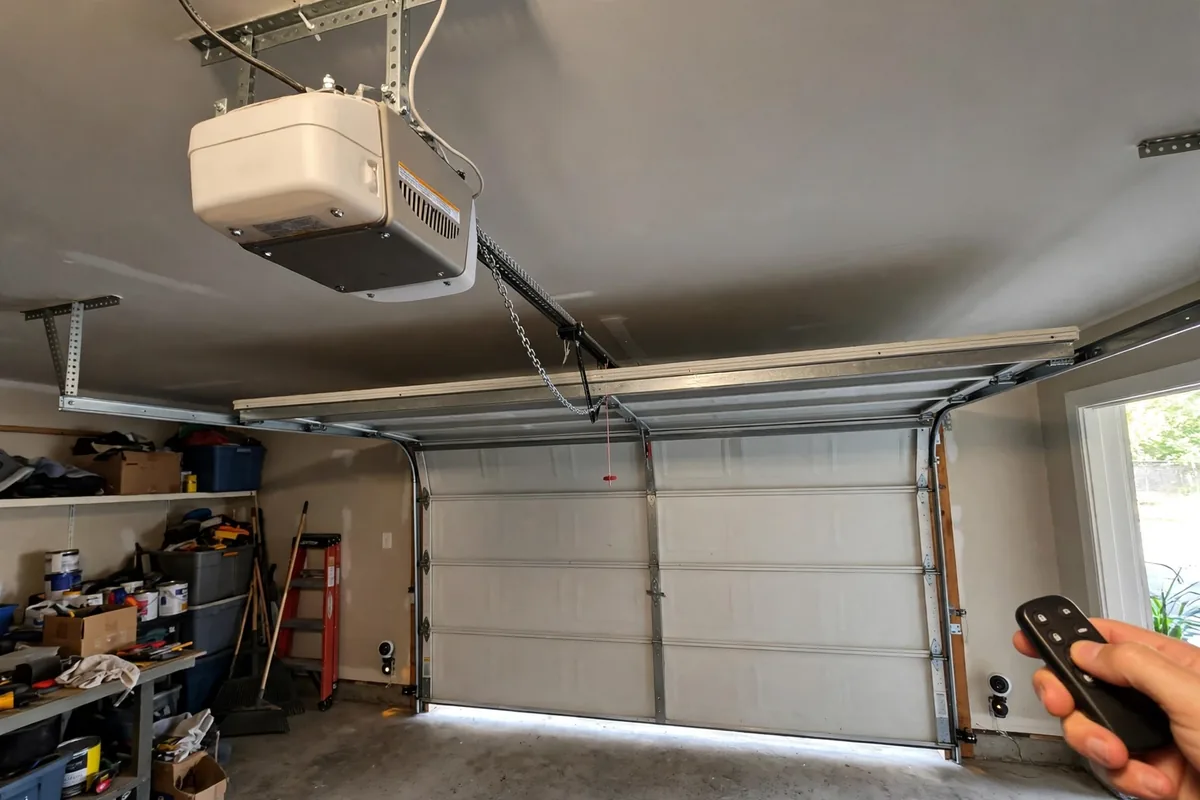
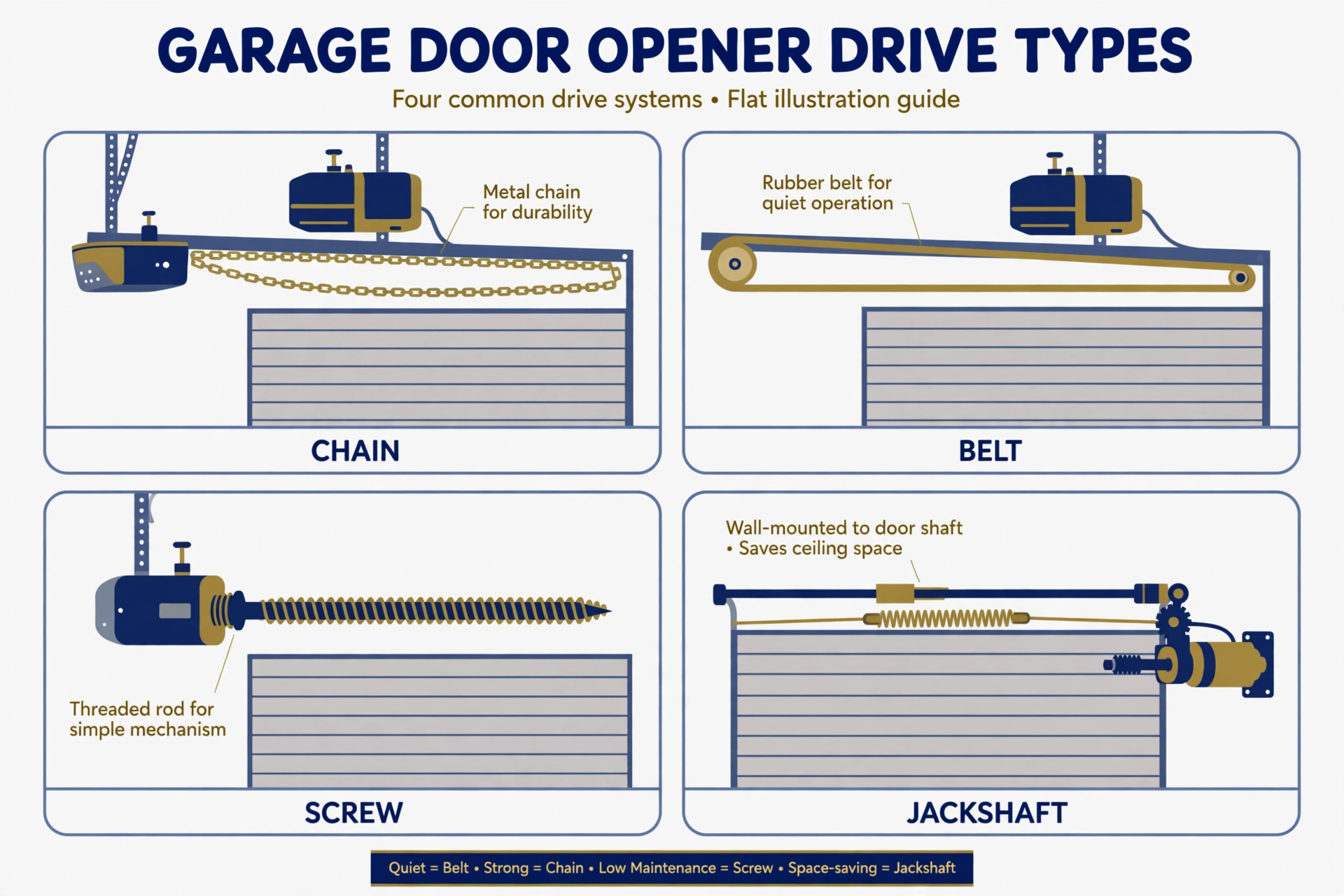
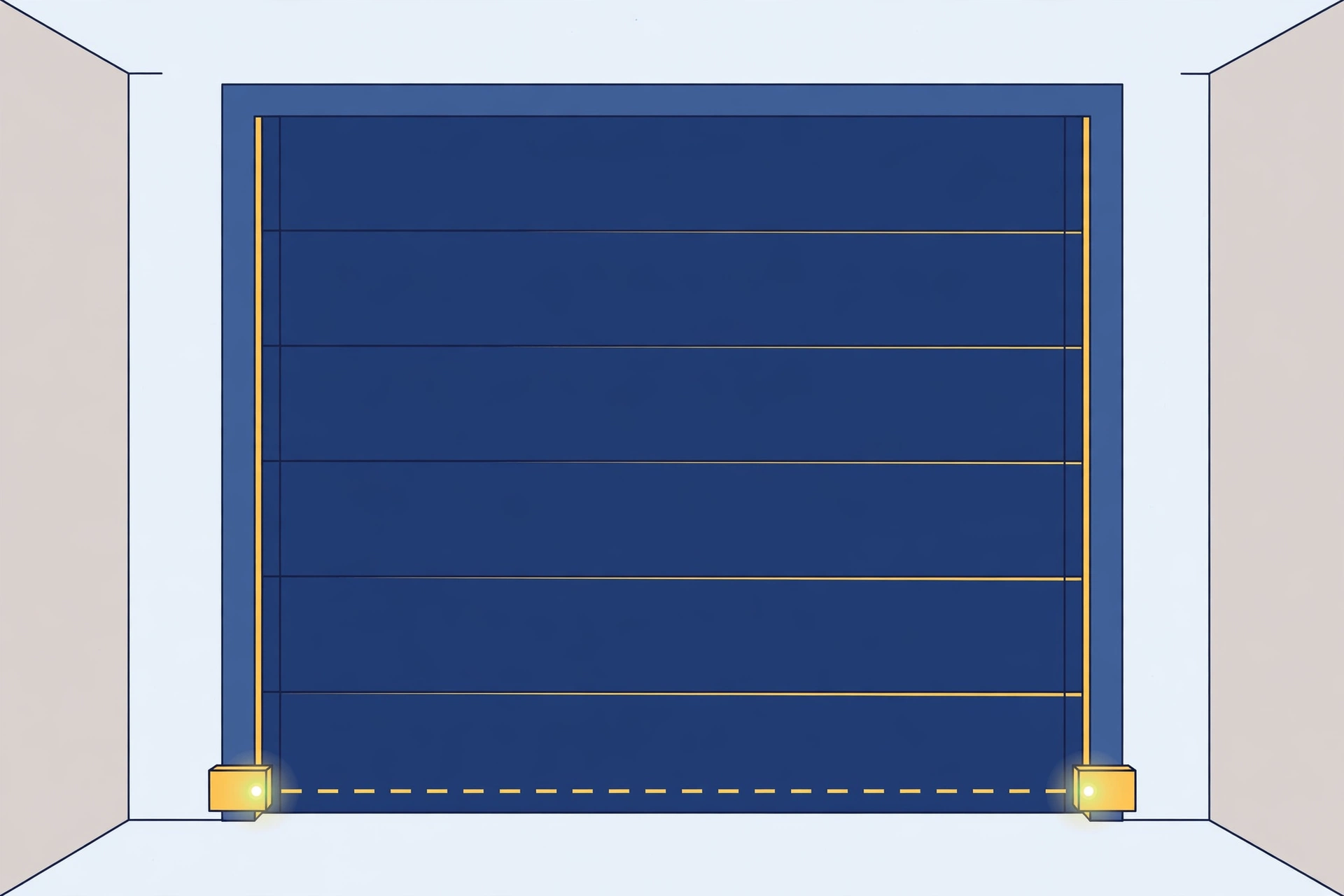
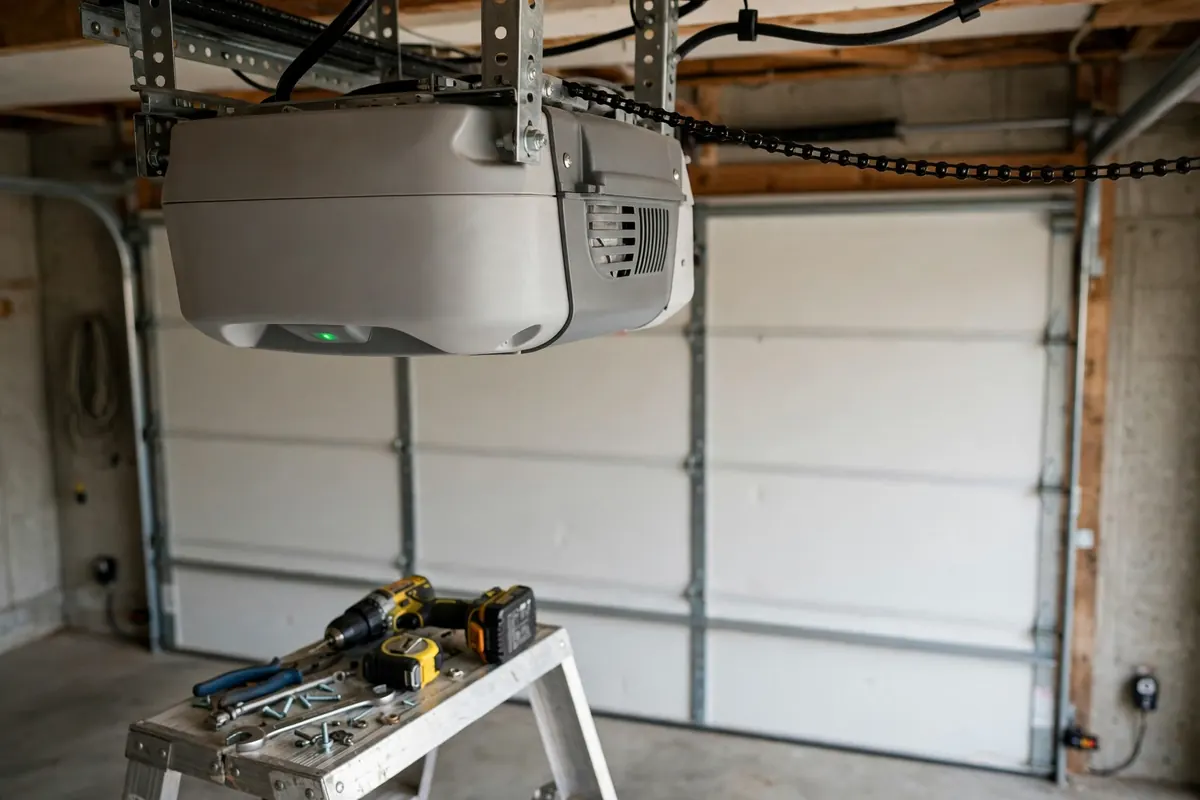
Remote dead after the power cut, but the wall button works? The fault is the remote, not the opener — a fresh battery, a lock-mode check, and a re-pair settle most of them in five minutes.
Call Now to Speak to a SpecialistFor local help, start from our Bay State Garage Door Repair Pros homepage, and read our garage door opener repair service for the diagnosis, the re-pair, and the written price.
Frequently asked questions about a remote that stopped working after a power outage
Why did my garage door remote stop working after a power outage in Lynn?
A garage door remote not working after power outage Lynn MA usually comes down to three things: a dead battery, a wall control left in lock mode, or a remote that lost its pairing when the power went out. A power cut can also wipe the opener's memory on older units, so the opener no longer recognises the remote at all. Work through the checks in order — battery, wall button, lock mode, re-pair — and the cause shows itself.
How do I know if it is the remote or the opener?
Use the wall button. If the wall button opens and closes the door, the opener, the power, and the door itself are fine, and the fault is in the remote: its battery, its pairing, or the remote itself. If the wall button does nothing either, the fault is upstream — check that the opener is plugged in and the breaker has not tripped, then call (833) 563-1552. Never touch a spring, a cable, or a track yourself.
How do I re-pair a remote with the Learn button?
Find the Learn button on the opener motor unit, on the garage ceiling — usually a small square button, sometimes under a light cover; your opener manual names its colour and position. Press it once, then press the remote button, and watch for the opener light to blink. If the remote still does nothing, erase the opener's memory and pair every remote again — but only if you can re-pair the remotes you still use.
What is lock mode on the wall control?
Lock mode is a switch that disables the remotes: the wall button still works, but no remote will open the door. It is easy to switch on by accident — a long press, a bump while cleaning, or a child pressing the button. On most wall controls, pressing and holding the lock button switches lock mode off again; your opener manual shows the hold. If the wall button works but every remote is dead, check lock mode first.
When should I call instead of keep trying?
Call when a fresh battery and a working wall button still leave the remote dead, when the keypad code is still rejected after a re-pair, or when the opener itself hums, clicks, or does nothing at all. Also call if a remote has been lost or stolen: the lost remote should be erased from the opener's memory so it cannot open your door. Say what you have already tried when you call (833) 563-1552.
About the author
Jude Bray is the lead technician at Bay State Garage Door Repair Pros, with 26 years in the trade. The business holds Massachusetts Home Improvement Contractor (HIC) Registration and Construction Supervisor License (CSL) credentials, plus IDEA garage door certifications.
Call Bay State Garage Door Repair Pros at (833) 563-1552, 24 hours a day, 7 days a week. A dead remote is a five-minute check, not a new opener — get the diagnosis before ordering anything.
Call Now to Speak to a SpecialistLast updated: November 28, 2026. Author: Jude Bray, Bay State Garage Door Repair Pros. Business address: 98-2 Ames Pl, Lowell, MA 01851. Phone: (833) 563-1552. Email: [email protected]. Prices are not quoted here — your exact price is confirmed in writing on site. Part-only figures in this post are reported by opener-repair guides, not Bay State prices. Photos and illustrations on this page do not show real Bay State jobs or staff.